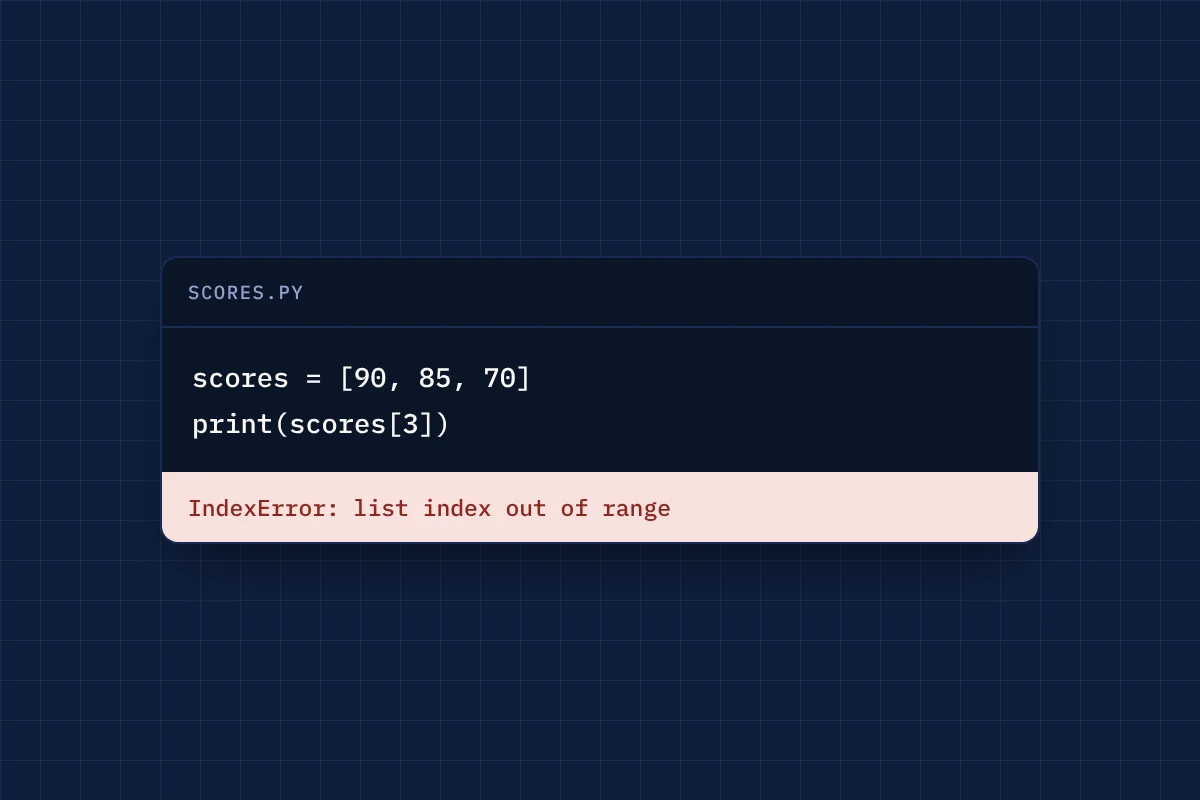
Python’s documentation describes this error in one line: “Raised when a sequence subscript is out of range.” The subscript is the number in the square brackets. Out of range means there is no item at that position.
We ran every example below on Python 3.13 before writing it down. The error messages are copied from those runs.
Which positions exist
Python counts from 0. Its documentation calls s[i] the “ith item of s, origin 0”. So the last position is always one less than the length.
Negative numbers count from the end. The documentation says a negative index “is relative to the end of sequence”. Position -1 is the last item.
| You write | You get | Why |
|---|---|---|
scores[0] | 90 | The first item |
scores[2] | 70 | The last item: length 3, minus 1 |
scores[3] | IndexError | There is no fourth item |
scores[-1] | 70 | The last item, counted from the end |
scores[-3] | 90 | The first item, counted from the end |
scores[-4] | IndexError | Too far back |
scores[3:] | [] | Slices never raise this error |
The last row surprises people. The Python tutorial says “out of range slice indexes are handled gracefully when used for slicing”. A slice that reaches too far just returns fewer items, or an empty list.
How to read the traceback
Traceback (most recent call last):
  File "scores.py", line 3, in <module>
    print(scores[i])
          ~~~~~~^^^
IndexError: list index out of range
Read it from the bottom. The last line names the error. The lines above it give the file and the line number, and recent versions of Python underline the exact brackets that failed. That is where to look. It is not always where the mistake is: the index was usually set to a bad value a few lines earlier.
The 8 causes
| Cause | The line that fails | The fix |
|---|---|---|
| 1. The loop goes one step too far | range(len(scores) + 1) | range(len(scores)), or loop over the items |
| 2. The length used as the last position | scores[len(scores)] | scores[-1] |
| 3. Looking at the next item | scores[i + 1] | Stop one step early |
| 4. The list is empty | scores[0] | Check the list first |
| 5. Deleting while looping | del scores[i] inside the loop | Build a new list |
| 6. Assigning to a position that doesn’t exist | squares[i] = ... on an empty list | append |
| 7. The input is shorter than you expected | parts[2], sys.argv[1] | Check the length first |
| 8. Rows of different lengths | grid[row][col] | Loop over each row’s own items |
1. The loop goes one step too far
scores = [90, 85, 70]
for i in range(len(scores) + 1):
print(scores[i])scores = [90, 85, 70]
for score in scores:
print(score)range(3) already gives 0, 1 and 2. The documentation’s formula for a range ends with r[i] < stop: the stop value itself is never included. Adding 1 to it is the mistake. Counting from 1 with range(1, len(scores) + 1) fails the same way, and it skips the first item too.
If you need the position as well as the item, use enumerate:
for i, score in enumerate(scores):
    print(i, score)
2. The length used as the last position
scores = [90, 85, 70]
print(scores[len(scores)])print(scores[-1])3. Looking at the next item
Comparing each item with the one after it runs off the end on the last step.
scores = [90, 85, 70]
for i in range(len(scores)):
    if scores[i] > scores[i + 1]:
print("drop at", i)for i in range(len(scores) - 1):
if scores[i] > scores[i + 1]:
print("drop at", i)4. The list is empty
An empty list has no position 0. Hidden tests often send an empty list, and your own tests probably never did.
scores = []
print(scores[0])scores = []
if scores:
print(scores[0])
else:
print("no scores")5. Deleting while looping
range(len(scores)) is worked out once, before the loop starts. When you delete an item, the list gets shorter and the range does not.
scores = [90, 40, 85, 30]
for i in range(len(scores)):
    if scores[i] < 50:
del scores[i]scores = [90, 40, 85, 30]
scores = [s for s in scores if s >= 50]6. Assigning to a position that doesn’t exist
You can’t create a position by assigning to it. The Python reference says “assignment to a subscripted sequence cannot add new items to a list”. The message is slightly different:
squares = []
for i in range(3):
squares[i] = i * isquares = []
for i in range(3):
squares.append(i * i)7. The input is shorter than you expected
Your code expects three parts and the line has two. Or the line is blank. Or nobody passed a command line argument.
line = "ada,90"
parts = line.split(",")
print(parts[2])parts = line.split(",")
if len(parts) >= 3:
print(parts[2])
else:
print("line too short:", line)Blank lines are the usual culprit in file input. When we split an empty string with no separator, we got an empty list, as the documentation says. So line.split()[0] fails on a blank line. Skip blank lines before you split them.
The same goes for sys.argv. The documentation says “argv[0] is the script name”. Your first real argument is sys.argv[1], and it only exists if someone passed one. When we ran a script with no arguments, len(sys.argv) was 1 and sys.argv[1] raised this error.
8. Rows of different lengths
grid = [[1, 2, 3], [4, 5]]
for row in range(2):
    for col in range(3):
print(grid[row][col])for row in grid:
for value in row:
print(value)Messages that mean the same thing
| Message | What caused it |
|---|---|
IndexError: list assignment index out of range | Assigning to a position that doesn’t exist (cause 6) |
IndexError: pop from empty list | Calling pop() on an empty list |
IndexError: string index out of range | The same mistake on a string, such as "cat"[3] |
IndexError: tuple index out of range | The same mistake on a tuple |
The fix is the same for all four: check the length first.
Find which cause is yours
- Read the last line of the tracebackIt names the error. The lines above it give the file and the line number.
- Print the index and the lengthOn the line before the failing one, add
print(i, len(scores)). Use your own names. - Compare the two numbersThe index must be less than the length. If the length is 0, the list is empty: that is cause 4 or 7.
- Ask where the index came fromIf it comes from
range, check the stop value. If it comes from input, check what the input really was.
try and except IndexError makes the message go away and leaves the bug in place. Your program then prints wrong answers quietly. Use try only when a missing item is a normal case you have planned for, such as an optional argument.When it only fails on the grader
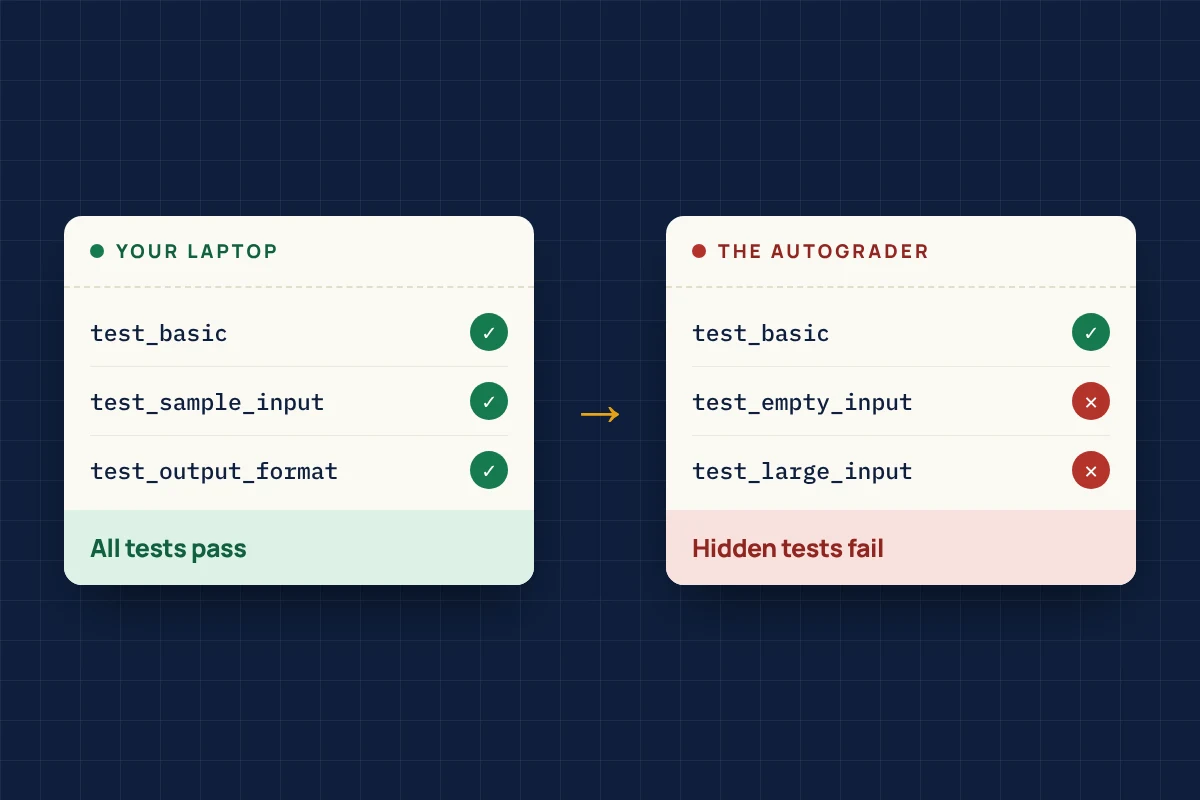
If your code passes your own tests and raises this error on the course’s grader, the grader sent an input you did not try. Empty input and a single item are the first two to test. Our guide to why code works locally but fails the autograder lists the inputs hidden tests usually use.
Still stuck?
Send us the file and the traceback. A senior engineer finds the cause, fixes it and explains why it broke, so you can explain it too. On our debug my code page, a single bug or error message is typically $45–$70, usually the same day.
Related: Python homework help, data structures homework help and programming assignment help. For what this kind of help usually costs, see our price guide.
Questions about this error
What does list index out of range mean in Python?
It means the number you put in the square brackets is not a position in the list. Positions start at 0, so a list with 3 items has positions 0, 1 and 2. Asking for position 3, or for any position in an empty list, raises this error.
Why do I get list index out of range when my list is not empty?
Most often the index is one too high. The last position is the length minus 1, so a loop that runs up to the length itself fails on its final step. Print the index and the length just before the failing line and compare them.
How do I get the last item of a list without an error?
Use index minus 1, which always means the last item. It still fails on an empty list, so check that the list has items first if it might be empty.
Why does slicing not raise an IndexError?
Slices are forgiving by design. A slice that reaches past the end returns only the items that exist, and a slice that starts past the end returns an empty list. Only asking for a single position raises the error.
Should I use try and except to fix an IndexError?
Usually not. It hides the message without fixing the cause, and the program carries on with wrong data. Fix the index. Use try and except only when a missing item is a normal case that you handle on purpose.
What is the difference between IndexError and KeyError?
IndexError is for positions in lists, strings and tuples. KeyError is for dictionaries, when the key you asked for is not there. Both mean you asked for something the collection does not have.
Sources
- Python built-in exceptions: IndexError
- Python sequence types: common operations, ranges and str.split
- The Python tutorial: an informal introduction and data structures
- The Python reference: assignment statements
- Python sys.argv
Upload the prompt and see a predicted budget in under a minute. A senior engineer confirms the final price.