KeyError: is the exact key Python looked for, quotes and all. Compare it with the keys that are really there by printing list(d.keys()). The usual causes are a typo or a different capital letter, a stray space or newline, a number stored as text, or a key that was never added. If a missing key is normal in your program, use d.get(key) or check with in first.Python’s documentation defines the error in one sentence: “Raised when a mapping (dictionary) key is not found in the set of existing keys.”
That is all it is. The key you asked for is not in the dictionary. The work is finding out why you expected it to be.
We ran every example below on Python 3.13 before writing it down. The messages are copied from those runs.
How to read the message
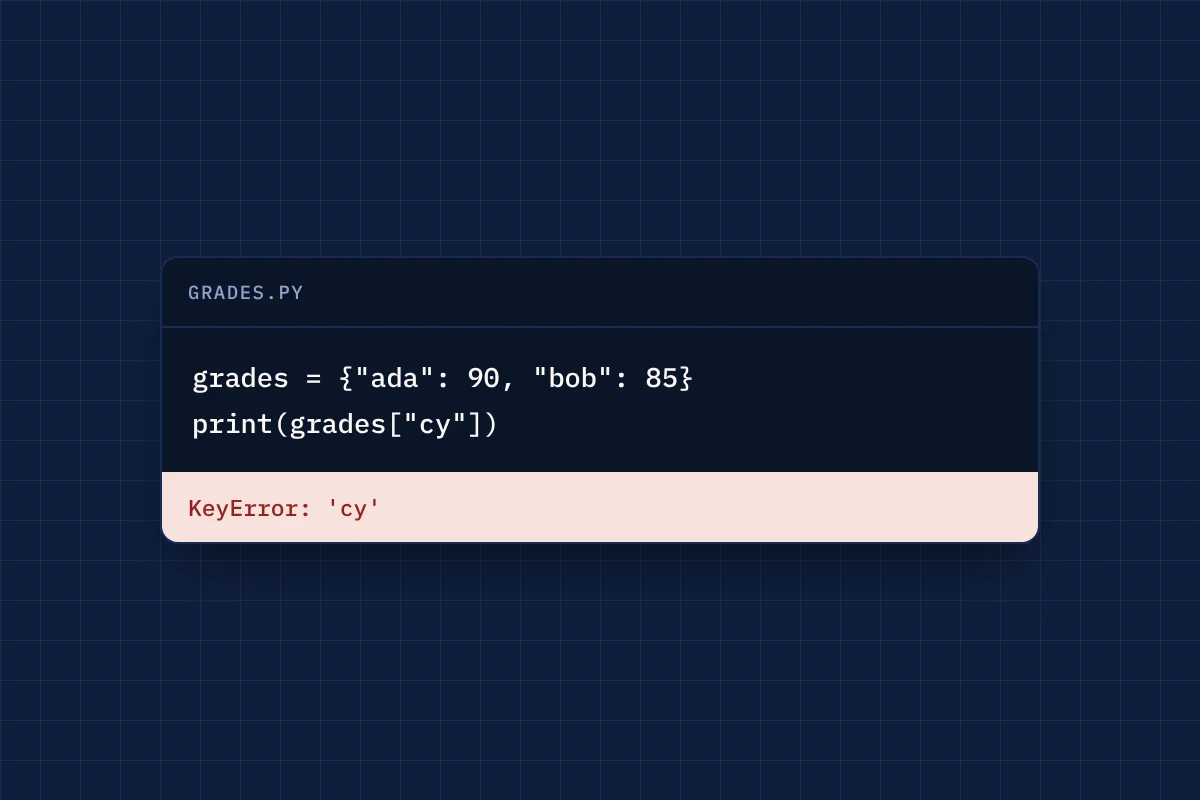
Traceback (most recent call last):
  File "grades.py", line 2, in <module>
    print(grades["cy"])
          ~~~~~~^^^^^^
KeyError: 'cy'
The last line is the useful one. 'cy' is the key Python searched for and did not find. It is shown the way Python stores it, so look closely:
KeyError: 'ada'has quotes, so the key was text.KeyError: 1has no quotes, so the key was a number.KeyError: 'ada\n'has a\ninside the quotes. There is a hidden newline on the end.
That last line is often the whole answer. Then print the keys that do exist, and compare:
print(list(grades.keys()))The 8 causes
| Cause | The message we got | The fix |
|---|---|---|
| 1. The key was never added | KeyError: 'cy' | Use get, or check with in |
| 2. A different capital letter | KeyError: 'ada' | Make both sides lower case |
| 3. A hidden space or newline | KeyError: 'ada\n' | strip() the text first |
| 4. Text where a number is stored | KeyError: '1' | Convert with int() |
| 5. Counting in an empty dictionary | KeyError: 'a' | get(word, 0), or a defaultdict |
| 6. A missing key one level down | KeyError: 'zip' | Check each level |
| 7. Removing something that isn’t there | KeyError: 'bob' | pop(key, None), or discard for sets |
| 8. A data source that isn’t what you think | KeyError: 'Score' | Print the real keys or columns |
1. The key was never added
grades = {"ada": 90, "bob": 85}
print(grades["cy"])
Square brackets are strict. Of d[key], the documentation says: “Raises a KeyError if key is not in the map.” When a missing key is a normal case, ask in a way that can’t fail:
print(grades.get("cy"))        # None
print(grades.get("cy", 0))     # 0
if "cy" in grades:
    print(grades["cy"])
The documentation says of get that “this method never raises a KeyError”.
2. A different capital letter
"Ada" and "ada" are two different keys.
grades = {"Ada": 90, "Bob": 85}
name = "ada"
print(grades[name])grades = {k.lower(): v for k, v in grades.items()}
print(grades[name.lower()])3. A hidden space or newline
Text read from a file or from input() often ends with a newline or a space. You can’t see it when you print it. The error message shows it.
grades = {"ada": 90, "bob": 85}
name = "ada\n"
print(grades[name])print(grades[name.strip()])4. Text where a number is stored
The number 1 and the text "1" are different keys. Anything that comes from input(), a file or a web form is text.
ages = {1: "one", 2: "two"}
key = "1"
print(ages[key])print(ages[int(key)])It happens in the other direction with JSON. Python’s documentation notes: “Keys in key/value pairs of JSON are always of the type str.” When we loaded {"1": "one"} from JSON and asked for data[1], we got KeyError: 1. The key is "1".
5. Counting in an empty dictionary
This is the classic first word-count program.
counts = {}
for word in ["a", "b", "a"]:
    counts[word] += 1
counts[word] += 1 reads the old value before it writes the new one. On the first time through, there is no old value.
counts = {}
for word in ["a", "b", "a"]:
counts[word] = counts.get(word, 0) + 1from collections import defaultdict
counts = defaultdict(int)
for word in ["a", "b", "a"]:
counts[word] += 1For counting, collections.Counter is shorter still. Its documentation says Counter objects “return a zero count for missing items instead of raising a KeyError”.
6. A missing key one level down
With nested data, the message names only the key that failed. It doesn’t say which level it was on.
user = {"name": "Ada", "address": {"city": "Leeds"}}
print(user["address"]["zip"])print(user.get("address", {}).get("zip", "unknown"))7. Removing something that isn’t there
Deleting is as strict as reading. All three of these raised KeyError for us:
grades = {"ada": 90}
del grades["bob"]
grades.pop("bob")

seen = {"ada", "bob"}
seen.remove("cy")grades.pop("bob", None)
seen.discard("cy")Notice the last pair. A set has no keys, yet remove on a set raises this same error. Of remove, the documentation says: “Raises KeyError if elem is not contained in the set.” discard removes the element only “if it is present”.
8. A data source that isn’t what you think
Sometimes the dictionary came from somewhere else, and its keys are not the ones you assumed.
CSV files and pandas. A header row written as Name, Score has a space after the comma. When we read it with pandas, the columns were ['Name', ' Score'], and df["Score"] ended in KeyError: 'Score'. Print list(df.columns) and the stray space is plain to see. Either of these fixed it for us:
df.columns = df.columns.str.strip()
# or
df = pd.read_csv("scores.csv", skipinitialspace=True)
Environment variables. The documentation describes os.environ as “A mapping object where keys and values are strings that represent the process environment.” It behaves like a dictionary. Asking for a variable that is not set raises KeyError with the variable’s name. os.getenv("NAME") returns None instead, and os.environ.get("NAME", "default") lets you choose the fallback.
Format strings. "Hello {name}, your score is {score}".format(name="Ada") gave us KeyError: 'score'. Every name in braces needs a value.
Should you use try and except?
Sometimes. It is the right tool when a missing key is an expected event and you want to handle it in one place:
try:
    score = grades[name]
except KeyError:
    print("no grade recorded for", name)
It is the wrong tool when the key should be there. Then the error is telling you about a real bug, such as a typo or dirty input, and catching it only hides the bug.
types.py. Every other script in that folder then failed in strange ways, because Python loaded our file where it expected its own types module. Don’t give your files the names of standard modules: not types.py, random.py, json.py or csv.py.Find which cause is yours
- Read the key in the messageIs it in quotes? Is there a space or
\nin it? Is the capital letter what you expected? - Print the real keysAdd
print(list(d.keys()))on the line before the failing one. For pandas, printlist(df.columns). - Compare them character by characterIf the key looks identical, print both with
repr(). Hidden characters show up. - Decide if a missing key is normalIf it is, use
get,inor adefaultdict. If it isn’t, fix where the key comes from.
When it only fails on the grader
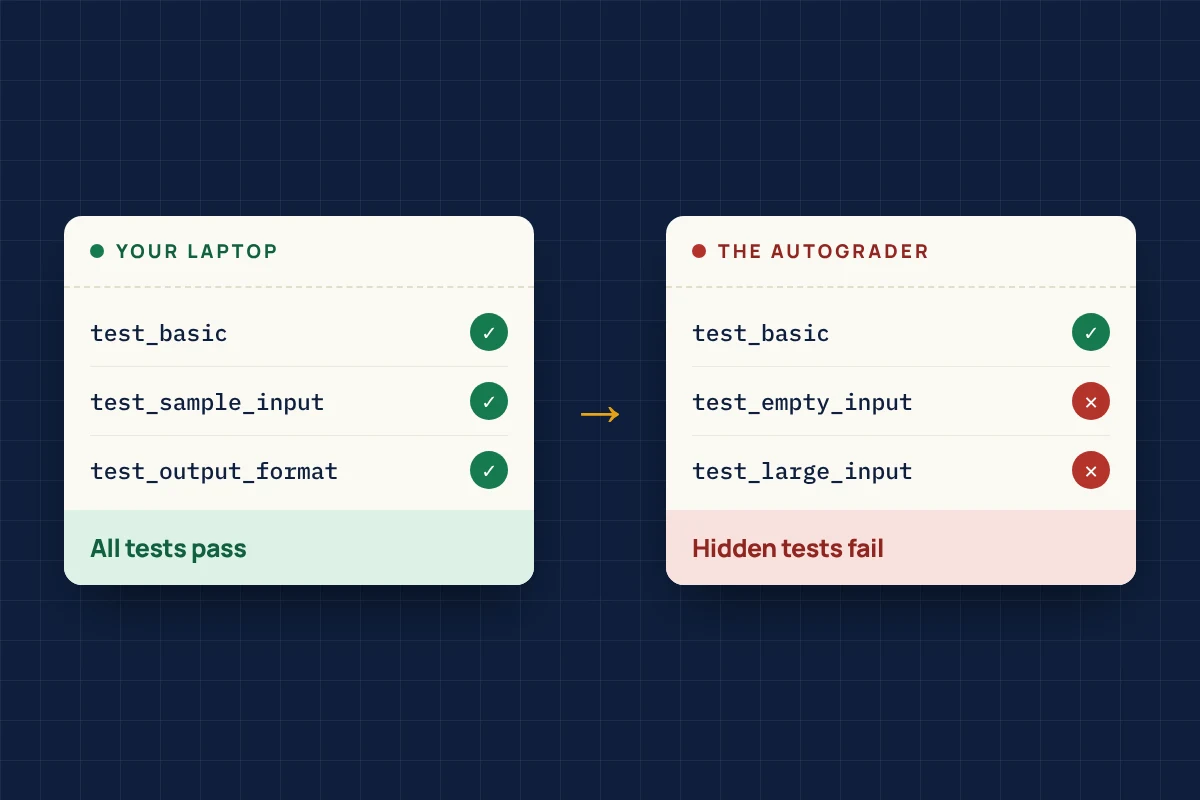
If your code passes your own tests and raises KeyError on the course’s grader, the grader’s input had something yours didn’t: a name in capitals, a blank line, or a word your dictionary never saw. Our guide to why code works locally but fails the autograder lists the inputs hidden tests usually send. The closely related error for lists is covered in IndexError: list index out of range.
Still stuck?
Send us the file and the traceback. A senior engineer finds the cause, fixes it and explains why it broke, so you can explain it too. On our debug my code page, a single bug or error message is typically $45–$70, usually the same day.
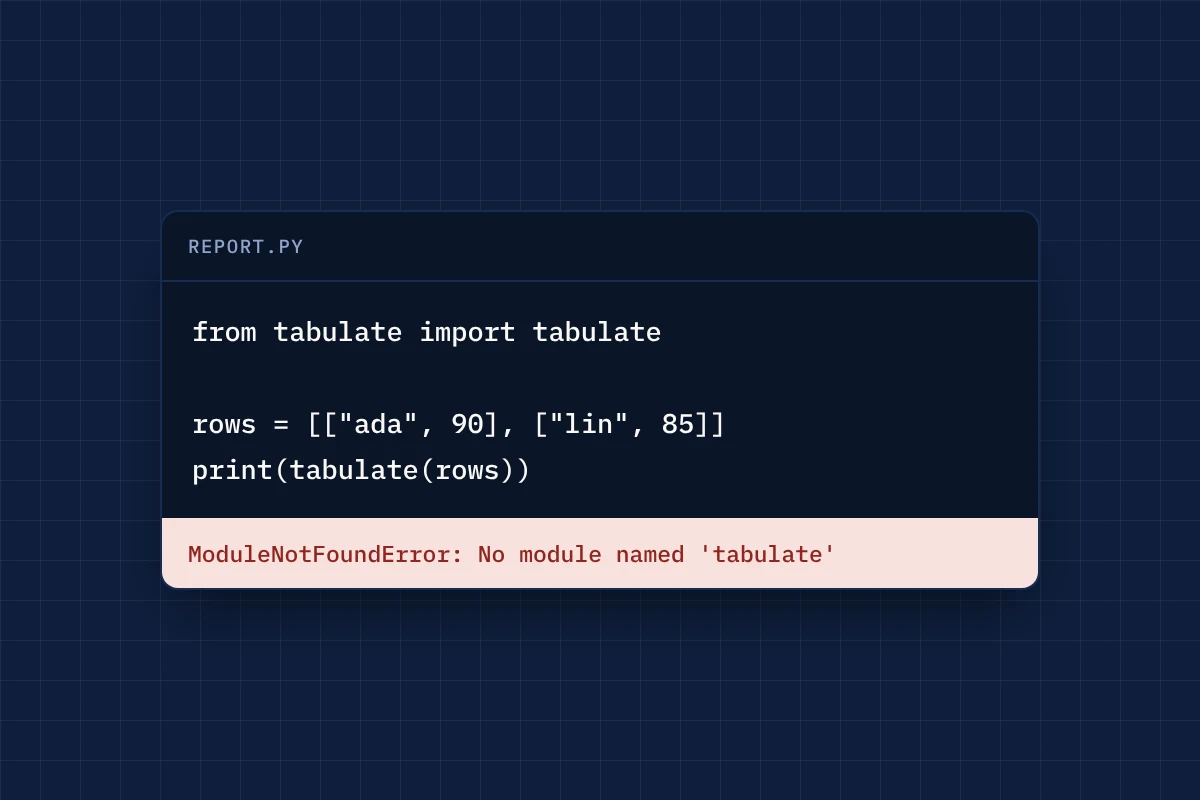
Related: Python homework help, data structures homework help and machine learning homework help. If the error is on your import line, see ModuleNotFoundError.
Questions about KeyError
What does KeyError mean in Python?
It means you asked a dictionary for a key that is not in it. The value printed after the word KeyError is the exact key Python looked for. Compare it with the keys the dictionary really has, and the difference is usually visible at once.
How do I avoid a KeyError?
Use the get method when a key might be missing. It returns None, or a default value you choose, where square brackets would raise the error. You can also test with the in operator before you read the key.
Why do I get a KeyError when the key is in the dictionary?
The key you are using is not quite the one that is stored. The usual differences are a capital letter, a space or newline on the end, or a number stored as text. Print both with repr and compare them.
What is the difference between get and setdefault?
The get method only reads. It returns the default without changing the dictionary. The setdefault method also stores the default under that key when the key is missing, so the next lookup finds it.
Should I catch KeyError with try and except?
Only when a missing key is an expected case that you handle on purpose. If the key should always be there, catching the error hides a real bug. Fix the key or the data.
Why does pandas raise a KeyError for a column that exists?
The column name is usually slightly different from what you typed. A space after a comma in the header row of a CSV file becomes part of the name. Print the list of columns to see the exact names, and strip the spaces.
Sources
- Python built-in exceptions: KeyError
- Python mapping types: dict and set types
- Python collections: defaultdict and Counter
- Python os.environ and os.getenv
- Python json
- pandas user guide: indexing and selecting data
Upload the prompt and see a predicted budget in under a minute. A senior engineer confirms the final price.